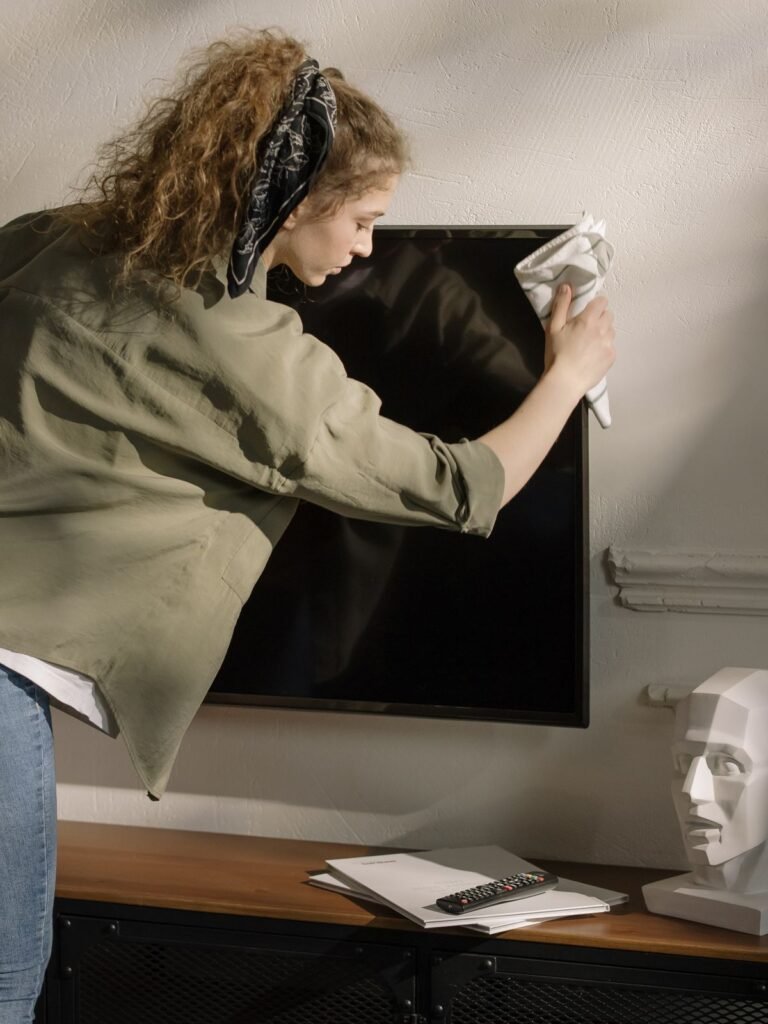
How to Safely Clean Your TV: A 4-Step Guide
A dirty TV screen is not just an eyesore, a layer of dust and fingerprints actually washes out contrast and makes the picture look grey. The good news: cleaning it safely takes five minutes with two tools you already own, as long as you follow the right order and skip the wrong products. Here is the 4-step method that keeps modern screens safe and smudge-free.
Step 1: Power Down and Unplug
Turn the TV off, unplug it and wait a minute or two before touching the screen, the Canadian Centre for Occupational Health and Safety (CCOHS) lists unplugging equipment and following product safety practices among the basics of safe cleaning procedures. A powered-down screen is easier to inspect (you can see the dust and smudges clearly), and unplugging removes any electrical risk while you work around the ports and cables. Never clean a screen while it is running, the combination of static and heat makes cleaning less effective and, if liquid is involved, genuinely unsafe.
Step 2: Dry Dust With a Microfiber Cloth
Start with the dust pass: a clean, dry microfiber cloth, wiped gently in straight lines or light circles from top to bottom. Microfiber picks up and holds dust without scratching the screen, unlike paper towels, facial tissues or regular cloths, which can leave fine scratches and lint. Dust the frame, the stand and the area behind the TV too, dust that sits on vents gets pulled inside and settles on internal components.
Do not press hard. Modern screens are thin and the panel underneath is delicate; firm pressure can damage pixels. One gentle pass removes most of what a screen collects in a typical week.
Step 3: Spot-Clean Stubborn Marks With the Right Liquid
For fingerprints, dried-on splashes and the mystery spots that dry dust cannot lift, dampen a corner of the microfiber cloth with distilled water, or a dedicated screen-cleaning solution made for electronics, and wipe gently. The rules that protect your TV:
- Never spray liquid directly on the screen; it can run down into the edges and damage the panel
- Never use window cleaners, ammonia, alcohol or abrasive products, they strip the screen’s anti-glare coating
- Use only a damp (not dripping) cloth, and finish with a dry pass so no moisture is left behind
- Wipe the remote, ports and stand with a barely damp cloth while you are there
If the screen is very dirty, work in sections, re-dampening the cloth as needed, and dry each section before moving on.
Step 4: Let It Dry Completely Before Powering On
Give the screen a minute to air-dry fully, then plug the TV back in. Turning it on while any moisture remains risks streaks at best and damage at worst. Check the result from a few angles, streaks show up at an angle, and repeat the spot-cleaning step on anything you missed. A completely dry, fingerprint-free screen noticeably sharpens the picture, especially in bright rooms.
Keep Dust From Coming Back
A screen cleaned today will collect dust again within weeks, but you can slow it down:
- Dust the TV weekly with a dry microfiber cloth, it takes 30 seconds and prevents buildup
- Keep the TV area dusted; the same particles settle on the screen
- Consider a microfiber screen duster for between deep cleans
Dust management is also a health point, not just a picture-quality one: dust in the home carries allergens, and the National Institute of Environmental Health Sciences lists household dust among common allergen sources. Regular dusting of electronics and shelves is one of the practical steps the EPA recommends for healthier indoor air.
How Often Should You Clean Your TV?
| Task | Frequency |
|---|---|
| Dry dust the screen and stand | Weekly |
| Spot-clean fingerprints and marks | Monthly or as needed |
| Wipe remote, ports and vents | Monthly |
| Full clean with damp cloth | Every 2 – 3 months |
If Your TV (or Your Time) Needs Professional Care
Cleaning electronics is one thing; keeping the whole home, shelves, baseboards, media consoles, floors, dust-free is another. That is where a regular professional clean pays off: Cleaning Hive’s regular home cleaning keeps dust under control across the whole house, and a home deep cleaning handles the corners, vents and hard-to-reach spots where dust accumulates fastest. Check the FAQ for what each visit includes, or book online.
Frequently Asked Questions
Can I use Windex or glass cleaner on my TV? No. Window cleaners and ammonia-based products strip the anti-glare coating on modern screens and can leave permanent damage. Use a dry microfiber cloth, distilled water, or a cleaner made specifically for electronics.
Why is my TV screen always dusty? Screens carry a static charge that attracts dust particles, and TVs also pull air through vents that recirculate dust. Weekly dry dusting plus keeping the surrounding area dusted is the practical fix.
Is it safe to clean my TV with a slightly damp cloth? Yes, as long as the cloth is only damp, never wet, and you never spray liquid onto the screen. Dry the screen with a second pass and let it air-dry before powering the TV back on.
How do I clean an OLED or QLED screen? The same way as any modern flat panel: dry microfiber first, then a barely damp cloth or a screen-safe solution for stubborn marks, working gently. Avoid pressure and abrasives, since these panels are even more delicate than older LCDs.